
Most ColdFusion migration plans start with the wrong question: "what do we rewrite it in?" The better first question is what the application is worth, and to whom. Ask them in the wrong order and the project runs two years, then quietly gets cancelled.
Our answer to "how should we plan a ColdFusion migration" is short. Triage the application before you choose a target: sort every part of it into keep, rewrite, or retire, and spend the migration budget only on the rewrite pile. We have built and maintained ColdFusion systems since 1998, and we are an Adobe ColdFusion Solution Partner. From that seat, a ColdFusion app that has run for fifteen years is not a liability to escape. It is working software full of business rules nobody remembers writing. The risk is not the language. The risk is a rewrite that throws those rules away and brings back bugs you fixed years ago.
Where should a ColdFusion migration start?
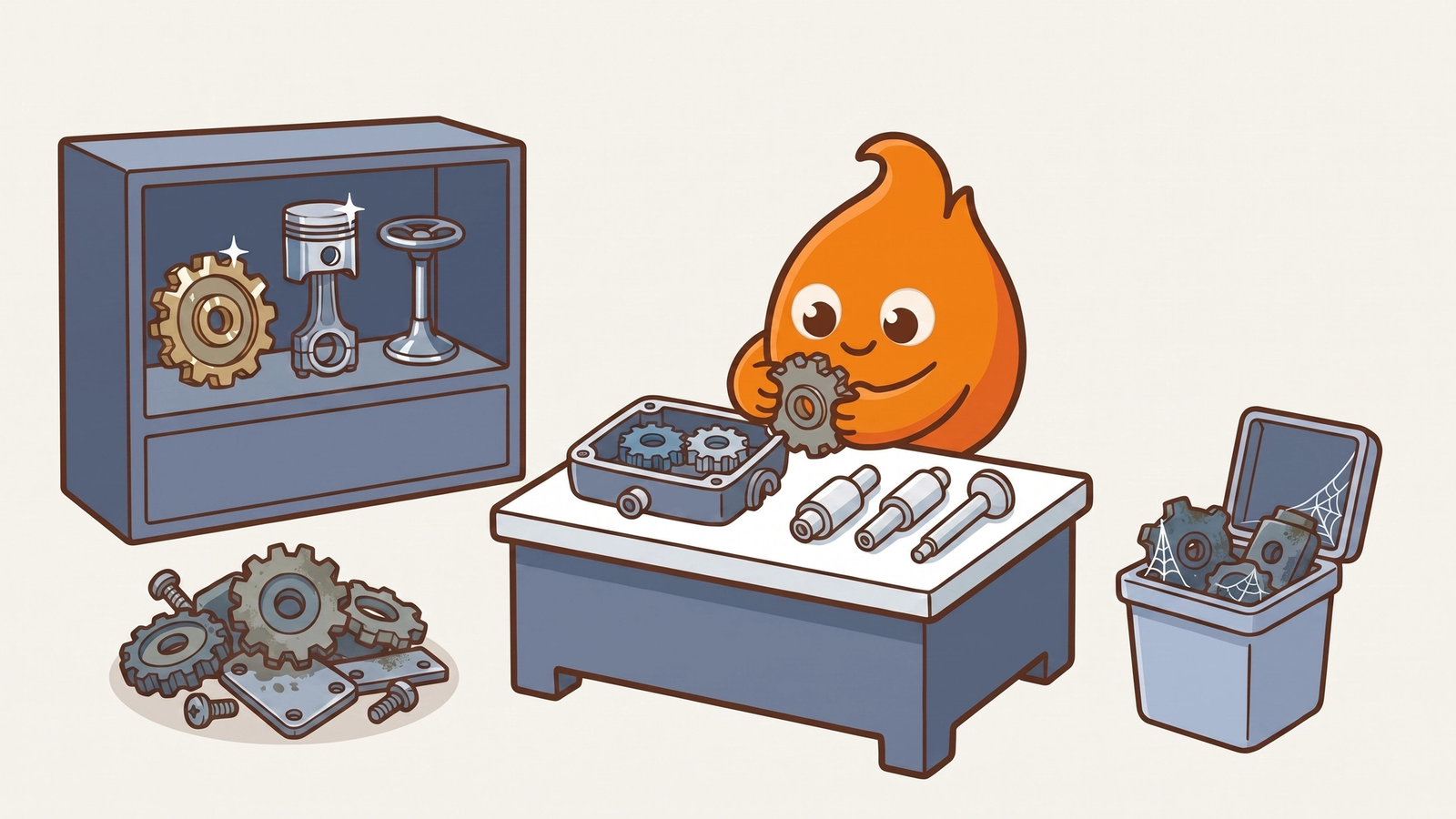
A ColdFusion migration starts with triage, before anyone opens a .cfm file. Migration triage means sorting the application, feature by feature, by business value, change frequency, and security exposure, so each part gets the treatment it needs instead of the treatment the whole project assumed.
We use three buckets:
- Keep and stabilize. Code that works, rarely changes, and has low security exposure. Moving it is motion without progress. We patch the runtime, lock down the attack surface, and leave the code alone.
- Rewrite with intent. Code under active change, or code that blocks a capability the business needs now. This is where a migration earns its budget.
- Retire. Features someone asked for in 2011 that nobody has used since. Every migration is also an audit. The cheapest code to migrate is code you delete.
In the ColdFusion apps we triage, the keep bucket is almost always the largest and the rewrite bucket is a minority. The teams that struggle are the ones that treated everything as a rewrite.
Keep does not mean ignore
Code you keep on ColdFusion still needs a supported runtime, and every runtime has an end date. Adobe's published support timeline ended core support for ColdFusion 2021 on November 10, 2025, and ends its extended support on November 10, 2026. ColdFusion 2025 has core support until February 26, 2030. For the keep bucket, the migration is usually a version upgrade plus hardening, not a new language.
The split pays off in practice. When we upgraded Osceola County's ColdFusion infrastructure, the work moved in phased, tested steps instead of one lift-and-shift. It finished with no downtime, extended the application lifecycle by more than 10 years, and cut infrastructure maintenance costs by 40%. If the version upgrade is the part you are weighing, our field checklist for moving a production app to ColdFusion 2025 covers it step by step.
Can AI convert ColdFusion to a modern stack?
Not on its own. Point a model at a repository, accept the output, and you get code that compiles, passes a smoke test, and drops an edge case that mattered to finance. We have watched that happen.
AI does speed up the parts of a migration that used to eat the calendar:
- Mapping the codebase. It traces which templates call which components, and which queries touch which tables.
- Finding dead code. It surfaces unused templates and duplicated queries. That list feeds the retire bucket.
- Drafting characterization tests. A characterization test records what the code does today, right or wrong, so any change in behavior fails loudly. These tests are the safety net for the rewrite bucket.
- Proposing translations. A senior engineer reviews each one line by line.
The judgment about whether a translation keeps the original intent stays with a person who has migrated these systems before. AI that ships, not AI that demos.
For the rewrite bucket we move in slices, the strangler fig approach Martin Fowler describes: new code takes over one behavior at a time while the old application keeps running. A slice that goes wrong costs a week, not the project.
What "done" looks like
A ColdFusion migration is done when the new system carries every business rule the old one encoded, the team trusts it in production, and the code you kept is documented well enough that the next engineer does not have to rediscover it. It is not done when the last .cfm file is gone.
If you are still deciding whether the app deserves this investment at all, start with our decision framework for whether a legacy app is worth modernizing. If the worry is ColdFusion itself, what still runs on ColdFusion in 2026 explains why the platform is rarely the real risk. When you are ready for the triage, we run it as a focused engagement: read the codebase, sort it, and tell you plainly what is worth moving. See our ColdFusion migration services.