
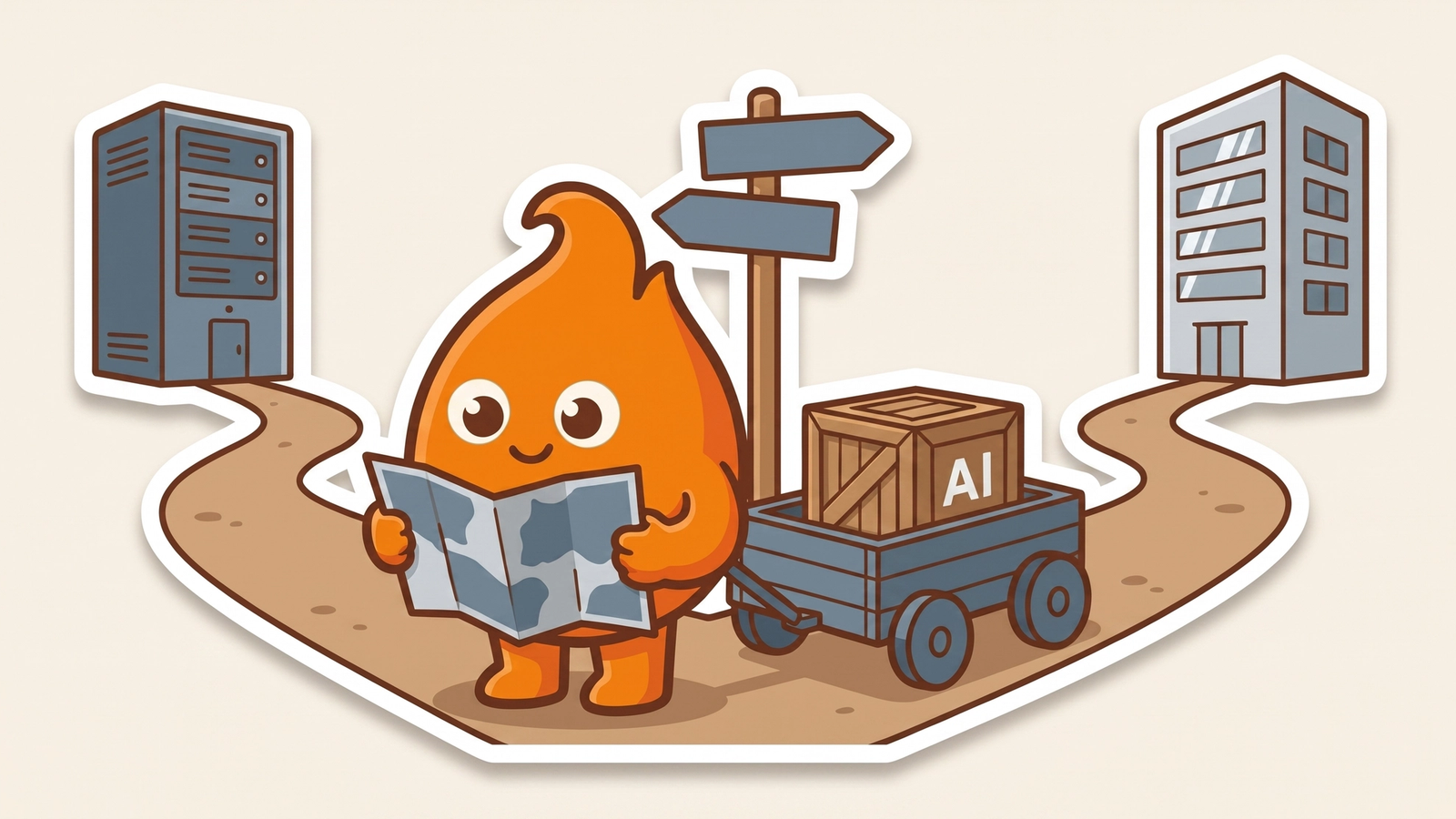
Adobe ColdFusion 2025 Update 8, released in May 2026, put a full AI framework inside a runtime most teams had stopped expecting news from. Adobe's Update 8 announcement lists built-in support for OpenAI, Anthropic, Google Gemini, Mistral AI, Azure OpenAI, and Ollama for local inference, plus retrieval-augmented generation (RAG), a vector store API, Model Context Protocol (MCP) support, and input and output guardrails. RAG means the model answers from documents your application retrieves and hands it, not only from its training data.
Should your ColdFusion app use it? That depends on one thing: whether the application is staying on ColdFusion. If it is, native AI is a sensible tool for bounded jobs close to your own data. If you plan to migrate off, every AI feature you write in CFML is more code to port.
Is "does it work" the right first question?
No. The feature set is real and, on its own terms, well built, so "does it work" is not the deciding question. For an AI framework added to an older runtime, the first question is where the application is headed.
Every AI feature you write in CFML is CFML. If the plan is to move this application to another stack in the next few years, a durable AI capability built natively in ColdFusion deepens your coupling to the runtime you meant to leave. The shortcut today becomes migration debt later.
Where native AI fits a ColdFusion app
Native AI fits a stable ColdFusion application you intend to run for years, with in-house CFML skills and a bounded use case close to data you already hold. Search over your own documents, summaries of records the application already manages, a retrieval layer over data that never leaves your network: in these cases a separate inference service is more overhead than the problem deserves.
The local inference option matters more than it first appears. Organizations under data-residency or contract limits often cannot send content to an external model endpoint. A local model through Ollama, inside your own environment, removes that constraint without an architecture exception. For a regulated application that is staying put, that is a legitimate reason to use what is already in the box.
Where native AI becomes a trap
The first trap is drift. Once AI is native, the easy path is to keep adding to it. If AI becomes the reason you invest more in a runtime you planned to leave, the application you meant to shrink grows instead, and each new feature raises the cost of the eventual move.
The second trap is operational. An AI feature reaches into your data and, unless it runs locally, calls external endpoints. That raises the stakes of every unpatched server. Adobe's ColdFusion 2025 update history lists security updates on June 9, June 30, and July 14, 2026, each fixing vulnerabilities that could lead to arbitrary code execution. Turn on AI features and you commit to that patch cadence. A neglected server running AI logic against sensitive data is a worse exposure than the same server serving static pages.
How to build a ColdFusion AI feature you can move later
Build the AI feature so it can leave with the rest of the application. In migration work, the code that hurts to port is rarely the code behind a clean interface. It is the logic scattered through templates.
- Keep AI logic behind one interface. Do not scatter model calls through your CFML.
- Treat the provider as swappable. The multi-provider support makes this easy, so no vendor's API shape gets welded into business logic.
- Version your prompts. Keep them out of the code path where you can.
- Limit the inference account. Give the service account that runs inference least privilege.
- Keep sensitive data local. Do not send source code or personal data to an external endpoint unless your architecture and contracts allow it. When they do not, use the local model.
Built that way, a ColdFusion AI feature is a bounded module with a defined seam, which is what you want when the migration conversation starts.
Before you enable anything, put the application in one of three groups. Keep and invest: it stays on ColdFusion, and native AI is a reasonable choice for bounded, data-adjacent jobs if you accept the patch commitment. Migrating: do not build new durable AI capability in CFML; put that work in the target stack, even if setup takes longer now. Unsure: that uncertainty is the finding. Run a small pilot behind an interface, measure what it costs to operate, and use it to force the larger decision.
For that larger decision, our framework for deciding whether a legacy app is worth modernizing covers the general case, and how we think about ColdFusion migration covers the ColdFusion-specific calls. An AI readiness assessment names the constraint before you spend money finding it, and our ColdFusion migration service covers the move itself. The framework Adobe shipped is capable. Whether you should use it is a question about your application, not about the framework.